
Tools :
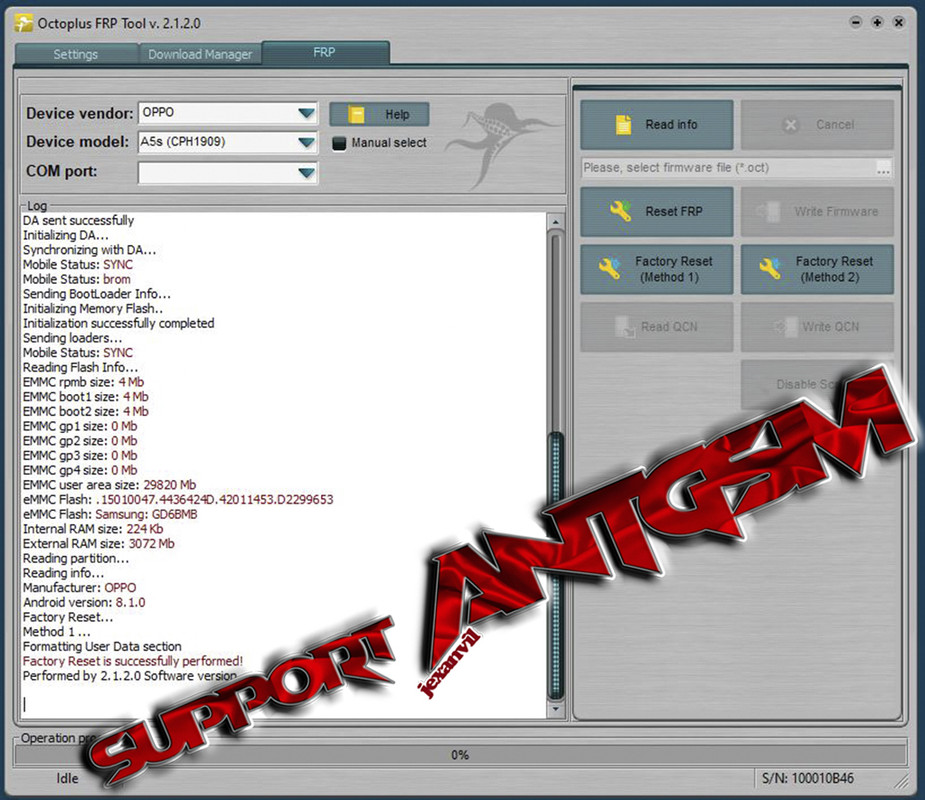
Octoplus FRP Tool v2.1.2.0
Procedures:
Octoplus FRP Tool v2.1.2.0
Procedures:
- Device Vendor : OPPO
- Device Model : A5s (CPH1909)
- Power Off phone , Press Vol+ and Vol- at the same time then insert usb cable then press Factory Reset (Method 1).
- Wait until the phone reboots. Then dial *#813# on emergency call. Press Setup phone then wait until its done.
Attachments

Last edited: