What's new
PinoyTechnician

This is a sample guest message. Register a free account today to become a member! Once signed in, you'll be able to participate on this site by adding your own topics and posts, as well as connect with other members through your own private inbox!

REFERENCE oppo f9 pro CPH1823 bypass done mrt 5.35

appleshit

Premium Account
Joined
Jan 10, 2015
Messages
112
Reaction score
5
Points
1
Location
Quezon City
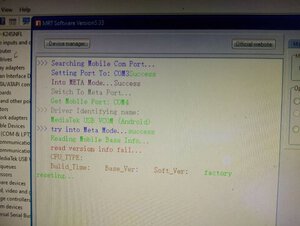
open mrt version 5.35
select oppo
select a3
tick format
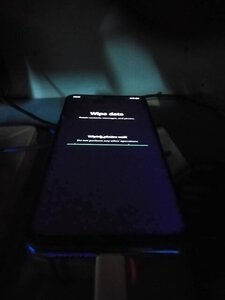
off your phone
hold up and down botton
connect cable
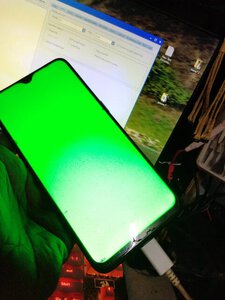
wait till lcd change to green
wait to reboot
after reboot
set up
then go to emergency
type asterispoundsign812poundsign then call
auto restart select engllish
done
 

Attachments

  • 294875659_1358130488012236_8262277824333997313_n.jpg
    294875659_1358130488012236_8262277824333997313_n.jpg
    17.9 KB · Views: 25
  • 295087356_3147505225500013_4026547934900703506_n.jpg
    295087356_3147505225500013_4026547934900703506_n.jpg
    50.1 KB · Views: 39
  • 294825388_592354482601472_5545868077203036148_n.jpg
    294825388_592354482601472_5545868077203036148_n.jpg
    29.1 KB · Views: 39
open mrt version 5.35
select oppo
select a3
tick format
off your phone
hold up and down botton
connect cable
wait till lcd change to green
wait to reboot
after reboot
set up
then go to emergency
type asterispoundsign812poundsign then call
auto restart select engllish
done
buhay papala server nyan 5.35
 
Back
Top