Model: Samsung j2 core (j260f)
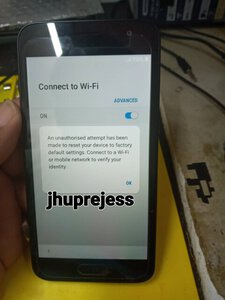
Problem: Screen password & frp
tool link
Action taken/Procedure:
1.Remove first screen password via hard reset.
2.After Hard reset done, 2nd move to remove FRP.
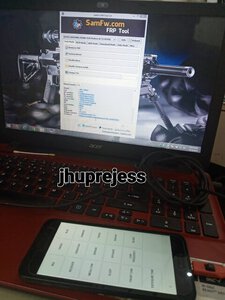
3.Download SamFwFRPTool.
4.Open SamFwFRPTool & connect c.p naka normal on.
5.Click info & dial *#0*#
6.Tapos click Allow USB debugging.
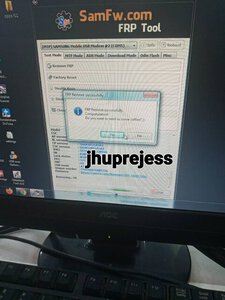
7.Click Remove FRP.
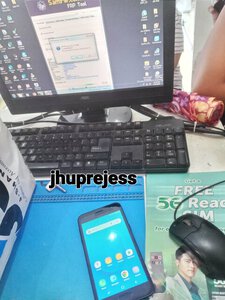
8.Smile & wait FRP remove successfully.
share2x din pag my time....tnx po!!!
Problem: Screen password & frp
tool link
Action taken/Procedure:
1.Remove first screen password via hard reset.
2.After Hard reset done, 2nd move to remove FRP.
3.Download SamFwFRPTool.
4.Open SamFwFRPTool & connect c.p naka normal on.
5.Click info & dial *#0*#
6.Tapos click Allow USB debugging.
7.Click Remove FRP.
8.Smile & wait FRP remove successfully.
share2x din pag my time....tnx po!!!